Register your interest
Open My Rovers, choose Register interest and tell us about your child.
Help for parents & carers
A straightforward guide to joining Chorlton Rovers, managing your child’s details and completing the quick check we ask you to do each August.
It starts with a quick expression of interest. We then check there is a suitable place before asking for full player details.
Open My Rovers, choose Register interest and tell us about your child.
A club volunteer reviews the enquiry and contacts you about availability and a trial session.
Once a place is agreed, we approve your email address. Only approved parents and carers can enter My Rovers.
Sign in securely, complete the player form and continue straight to the payment setup.
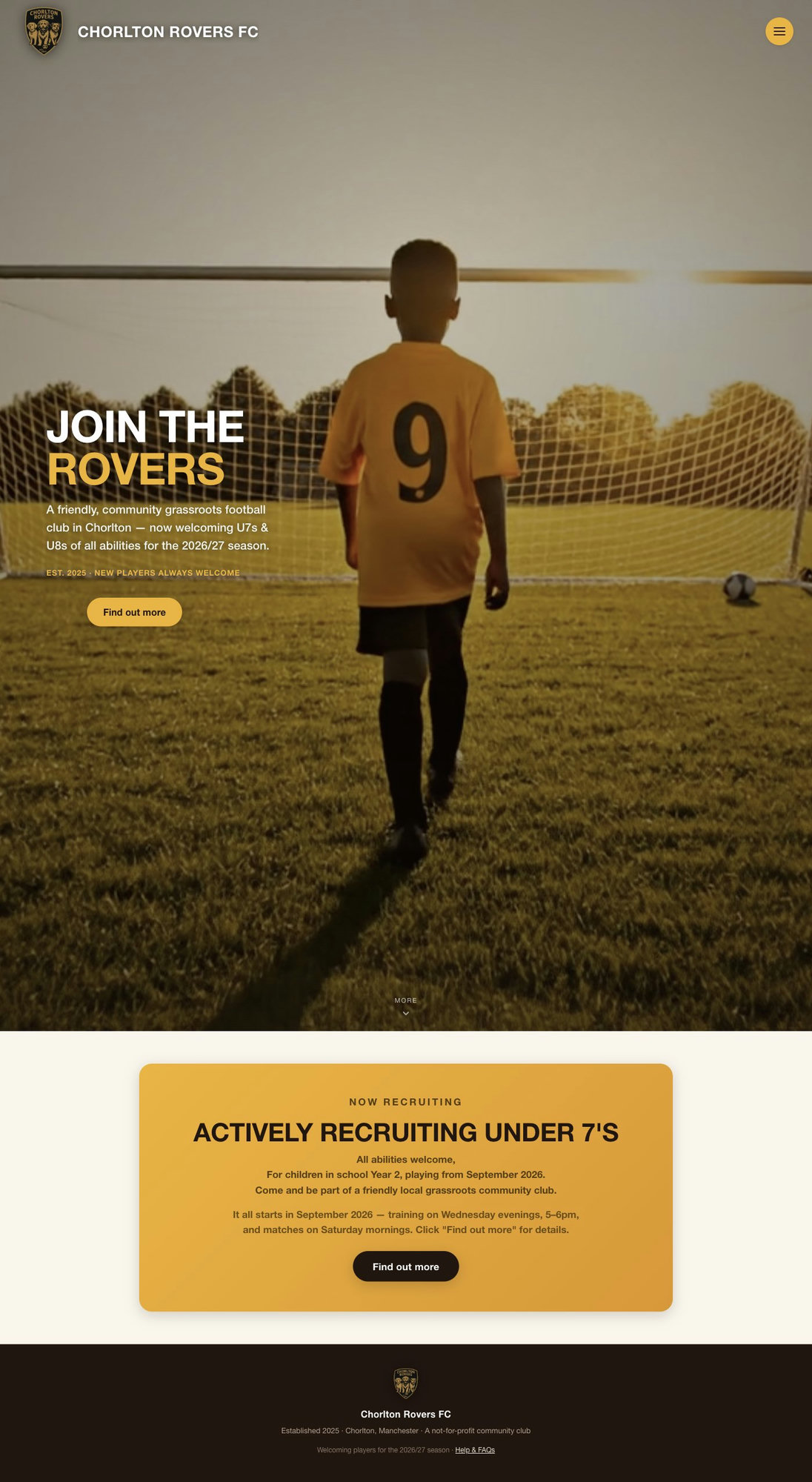
Select My Rovers at the top of the page. New families can register their interest there; approved families can sign in.
Registering interest does not create an unrestricted account or guarantee a place.
One private place for each player’s membership, subscription, emergency details and annual playing-shirt size.
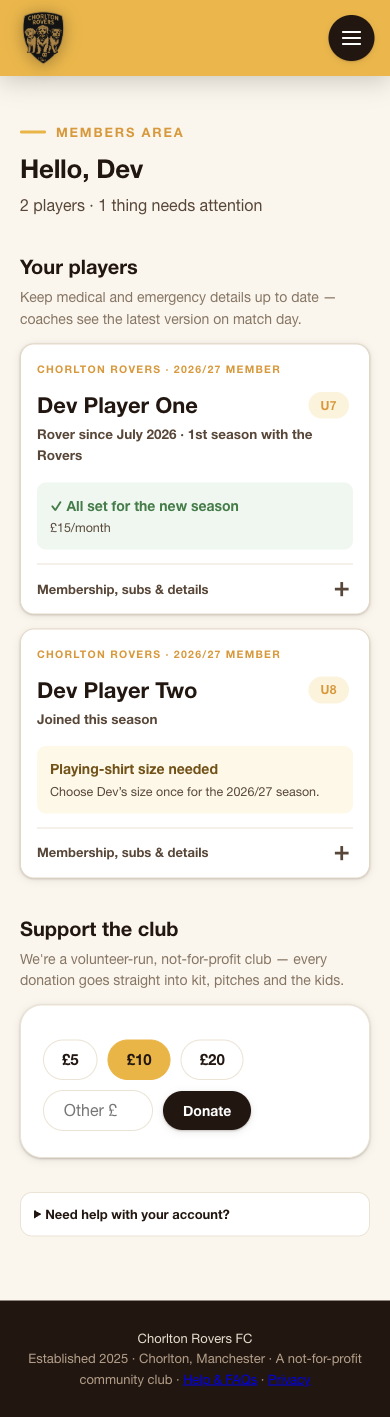
Each player has their own card. The status message shows a short checklist of what is complete and what still needs doing. Tap any step to go straight to it.
Tap Membership, subs & details to open a player. Playing kit has its own section and is not stored under medical information.
Children grow and details change. At the start of every season we ask you to check each player before matches begin.
In August, My Rovers will show what needs reviewing. Complete the check separately for every child linked to your account.
The short answers to the things parents usually need to know.
No. Auth0 securely verifies your email, then the club’s own approved-parent list decides whether you can access player records. An unapproved email cannot enter My Rovers.
Auth0 handles the secure email sign-in for us. The branded screen briefly opens and returns you to Chorlton Rovers automatically after verification.
You choose a playing-shirt size once per season. After confirmation it is locked until the next season to prevent changes after kit has been ordered. Contact the club if you made a mistake.
Yes. Medical, emergency and guardian information can be updated whenever it changes; you do not need to wait for August.
After the approved player form is completed, payment setup opens automatically. Once Stripe confirms it, My Rovers updates without you needing to refresh the page.
Open the player, go to Parents & guardians and choose Manage contacts. You can keep up to three adults on file, with a name, phone, email and relationship for each, and update them whenever you need.
Open the player and choose Need to cancel…? under Membership record. That sends a request to the club. Nothing stops straight away. A volunteer will be in touch to agree the final session and stop the subs.
Yes. The Support the club section in My Rovers takes one-off donations, handled securely by Stripe. Every penny goes into kit, pitches and the kids.
First check you are using the same email address you gave the club. If it still does not work, contact a club volunteer so we can check your approved access.